Camemake
CameVision Ego Single Sensor · 1 IMU
Buy
Demo app · 0.1

CameVision app

One phone app for CameVision boards. Preview and record over Bluetooth. The home title is CameVision until a camera is linked, then it shows that board’s own title.
The app

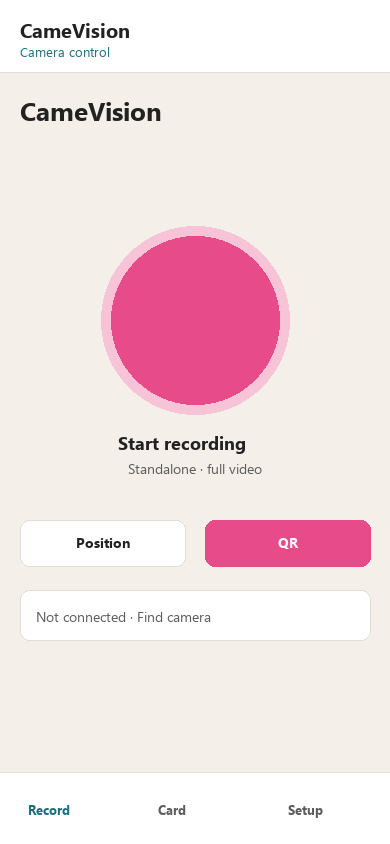
Record tab: Start recording and Position
Record — start / recording / stop, Position preview, QR trigger
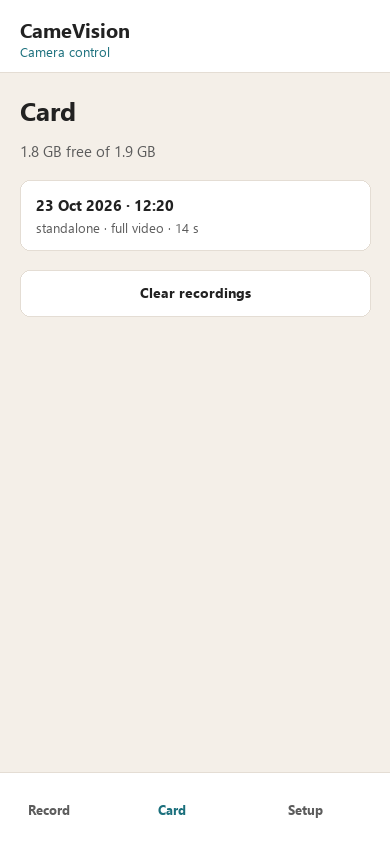
Card tab: space and sessions
Card — free space, sessions, clear and delete
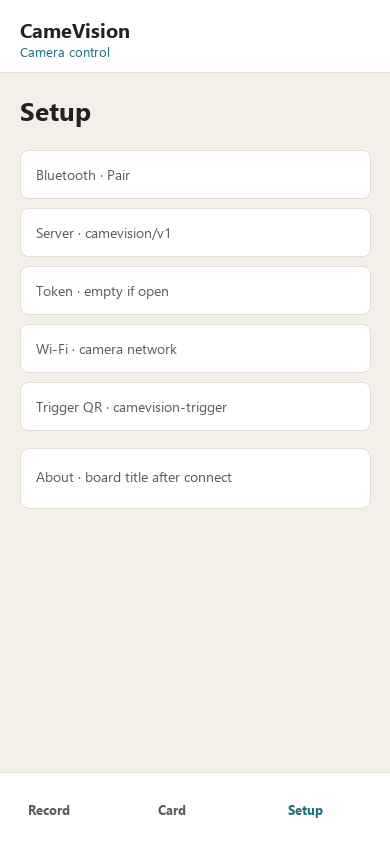
Setup tab: pair, server, Wi-Fi, About
Setup — pair, server, camera Wi-Fi, About

What it controls

Record Start recording, Recording, Stop recording. Full-resolution H.264 + IMU on the microSD card. Position is a live JPEG over Bluetooth, not the MP4.
Card Free / used space, session list, delete one, clear all. Warning when the card is nearly full.
Setup Pair and forget over Bluetooth. Server URL and optional token. Camera Wi-Fi. About reads the board title, firmware, SKU, sensors, protocol.
QR trigger Optional code on Record. Set the text in Setup. Point the camera at it to trigger.

Scan matches a name containing CameVision, or GATT 6c9a0001-1a6f-4e84-8a00-63616d657631.

Video methods

The board has four image paths. USB Camemake UVC is not an app screen.

MethodPathWhat you get
Camemake UVCUSB · Windows / Linux camera appMJPEG webcam. Full resolution. See UVC.
PositionBluetooth JPEGLive preview in this app. Not written to the card.
RecordBluetooth start/stop · card MP4Full-resolution H.264 + imu0.csv on the microSD.
ServerBluetooth start/stop · camera Wi-Fi uploadSame card files. Camera uploads when Wi-Fi is up. Card is the buffer.
Live pageBrowser :8081Lab view on the board. Not a substitute for UVC or the app.

Install

  1. Install CameVision 0.1 (debug APK).
  2. Turn the camera on. Pair CameVision + the last 6 MAC hex digits (example CameVision-462C47).
  3. Record and Position use Bluetooth. Set a real server URL in Setup only if you use Server mode.

Source and later builds: Camemake/CameVision-App. Firmware for this board stays in this repository.